iPhone later, maybe
5GB or more free storage is needed. You'll need both the Steam app, where you need to make an account or login, and Firefox(cuz Chrome doesn't allow for extensions). A file manager is needed, but your phone should have one already. In case it doesn't (or if you aren't familiar with it), download Zarchiver. Once you've got firefox, also install the User Agent Switcher by opening the link in Firefox, which we need to download Steam PC later. I've got no useful pictures for this part, sry
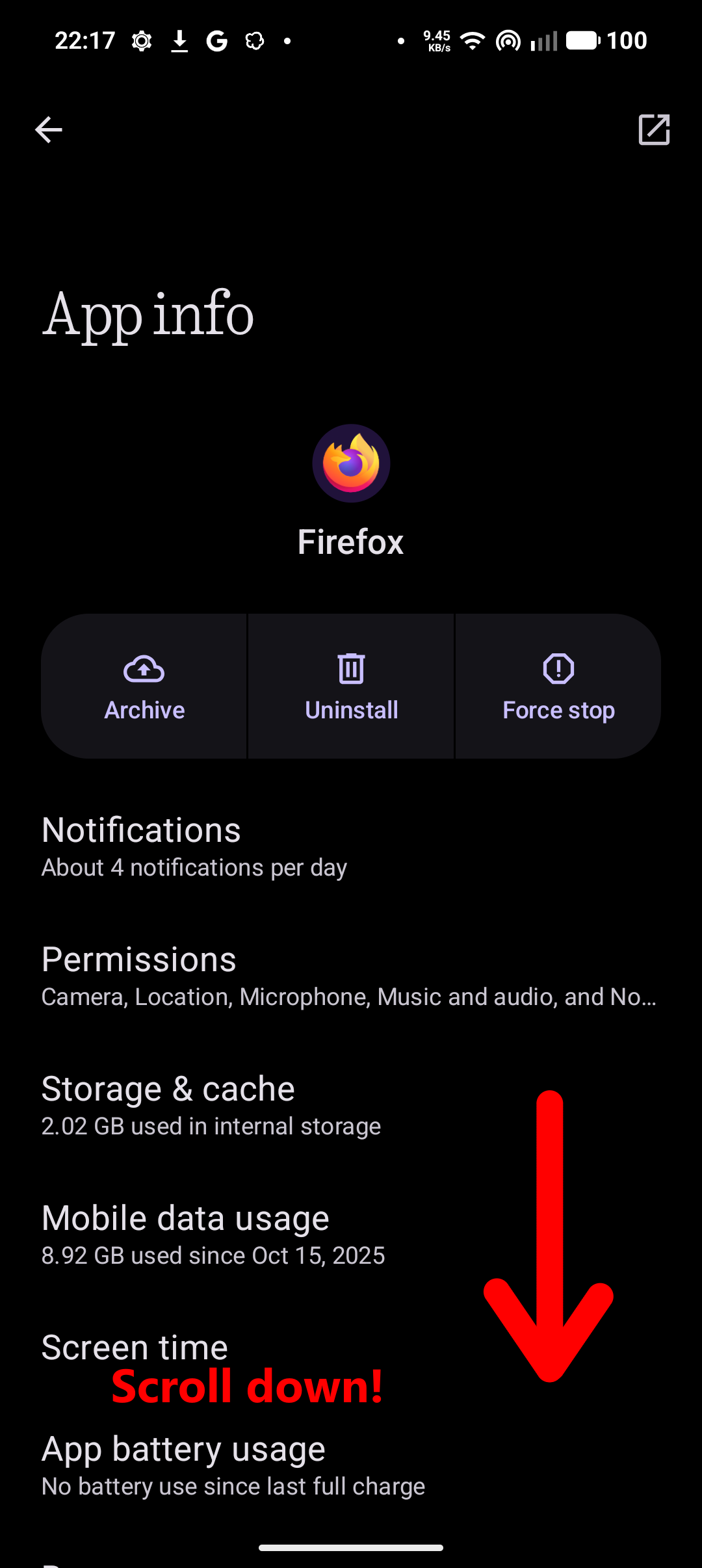
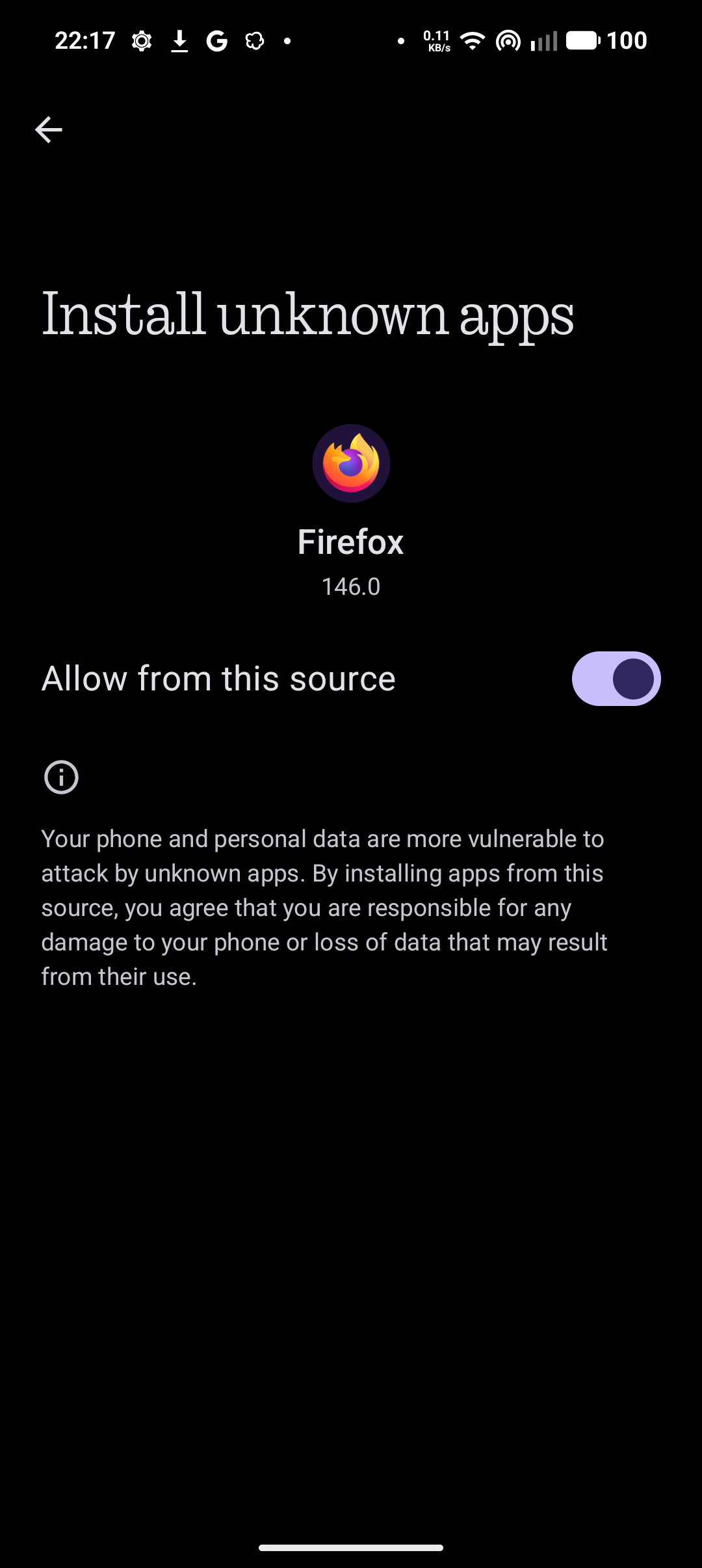
First things first, you need to enable unknown sources app installation from Firefox. Open its app info, usually by holding the app icon or clicking the icon in recent apps. Then, enable the permission as shown in the pictures.
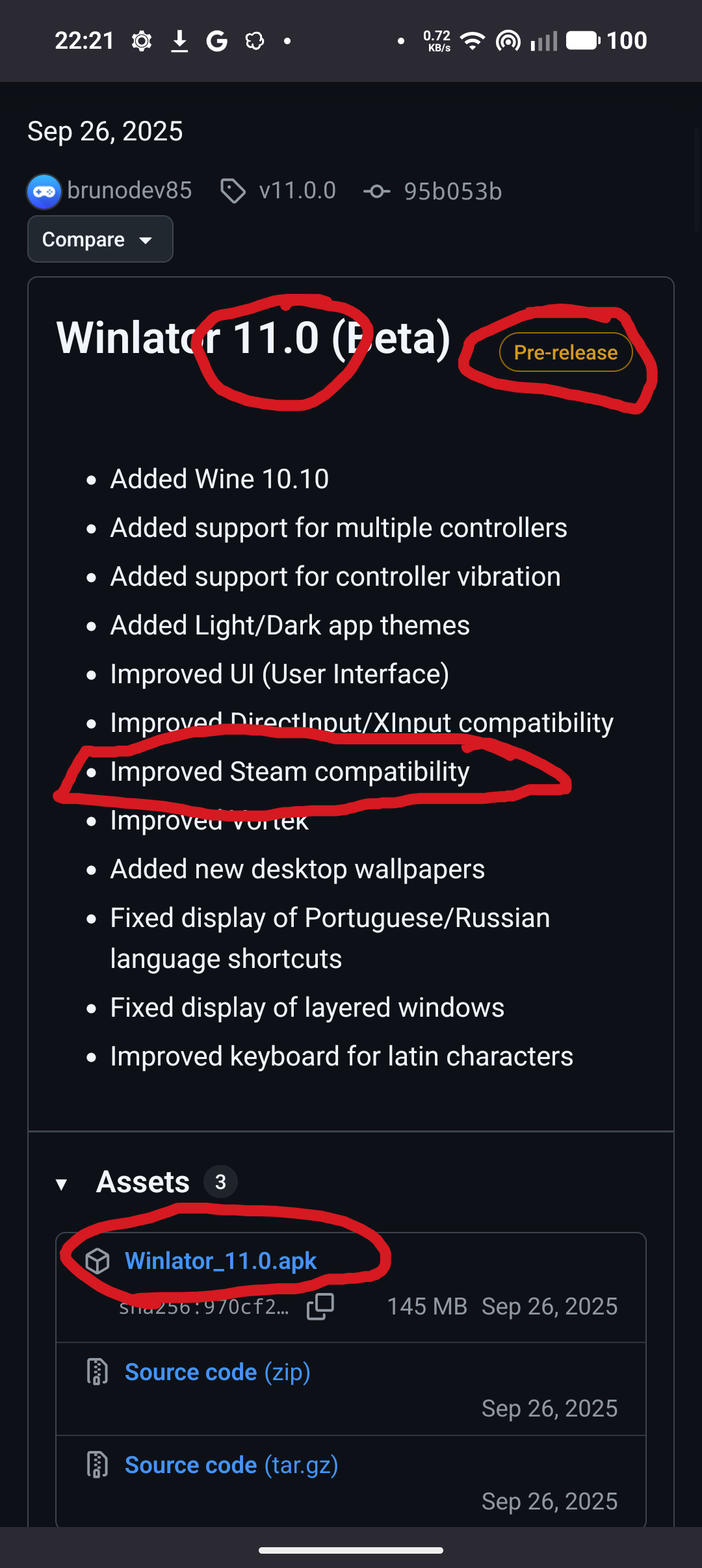
Then, head on over to the Winlator Github latest beta releas page and download the apk.
(Make sure you're downloading version 11.0 beta as there might be differences)
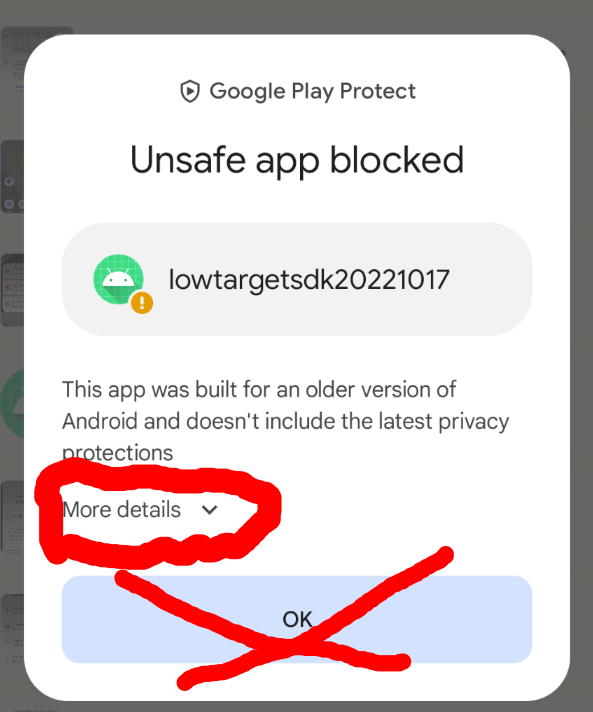
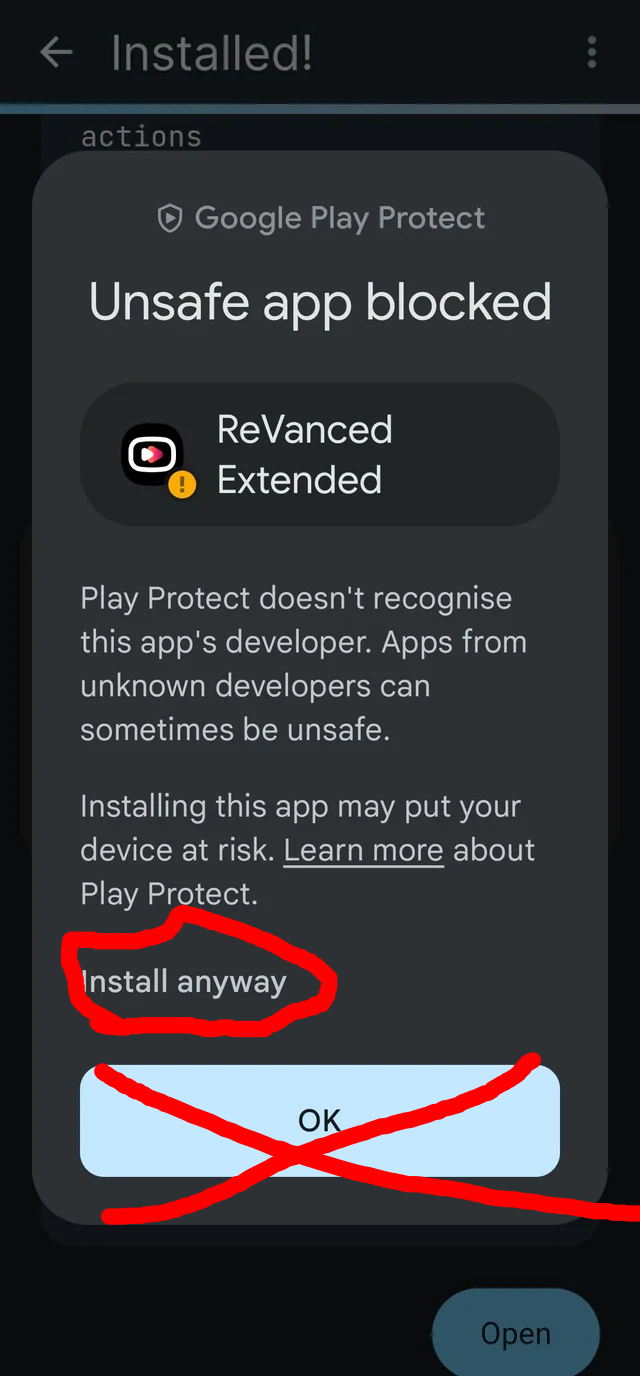
Opening the file should just let you install it, if you gave Firefox the permission correctly. If it gives you a safety warning, you can click Learn more and then Install Anyway. If you're worried, winlator is open source and knowledgeable people have already checked it. (These images were picked off online forums so they don't show Winlator)
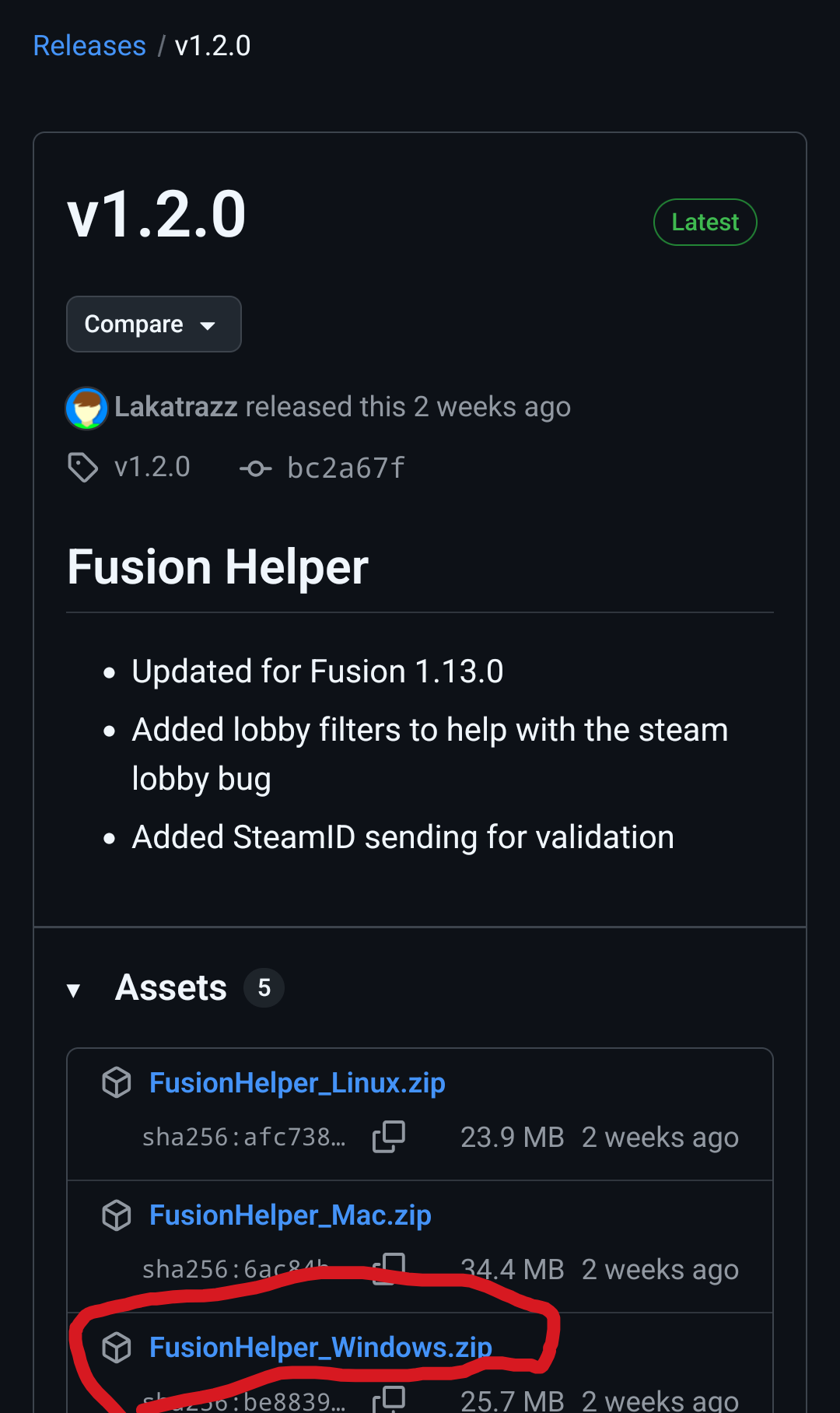
You're gonna need Steam for pc and Fusion helper. We'll start with the latter as it's easier. Head on over to Fusion helper github and download the latest windows build.
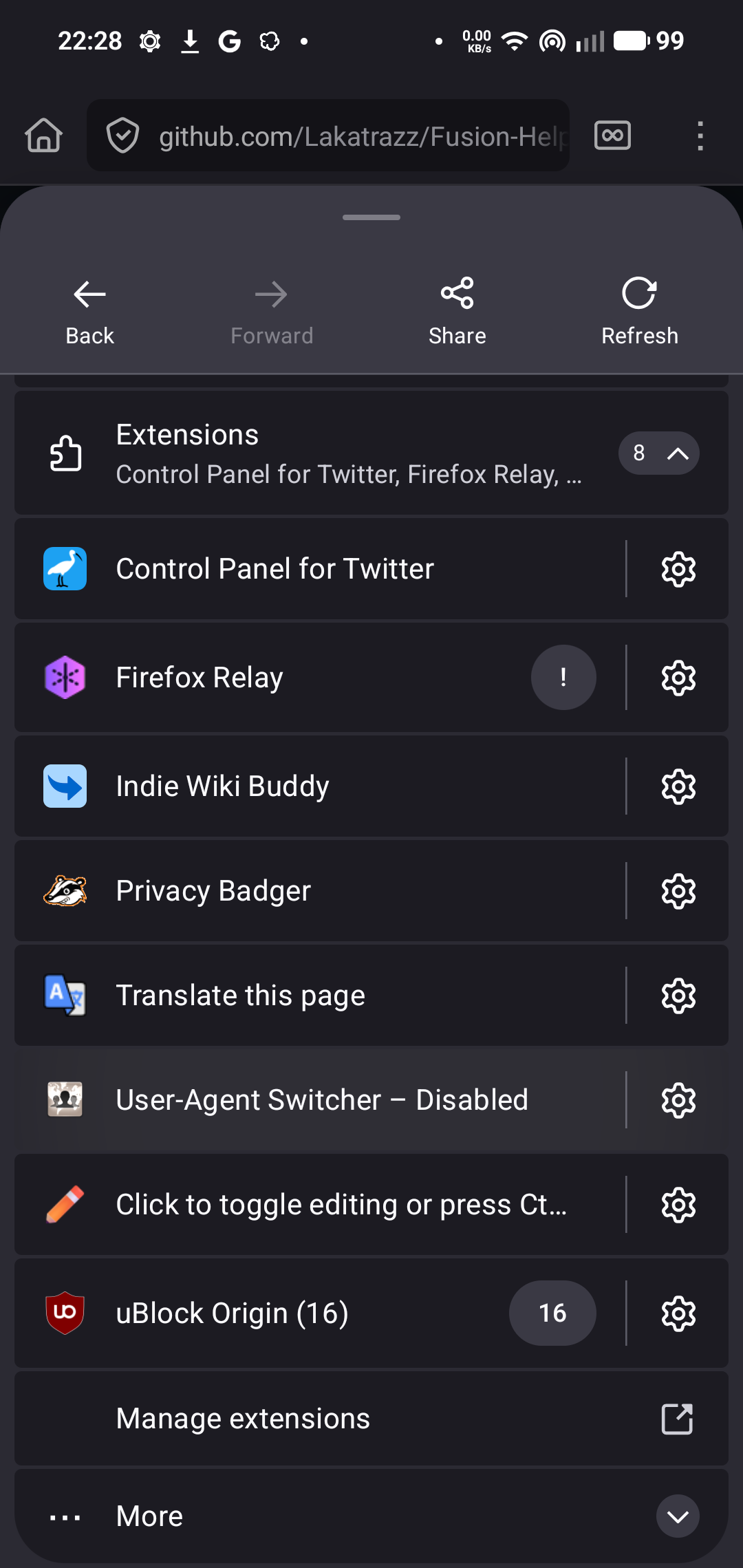
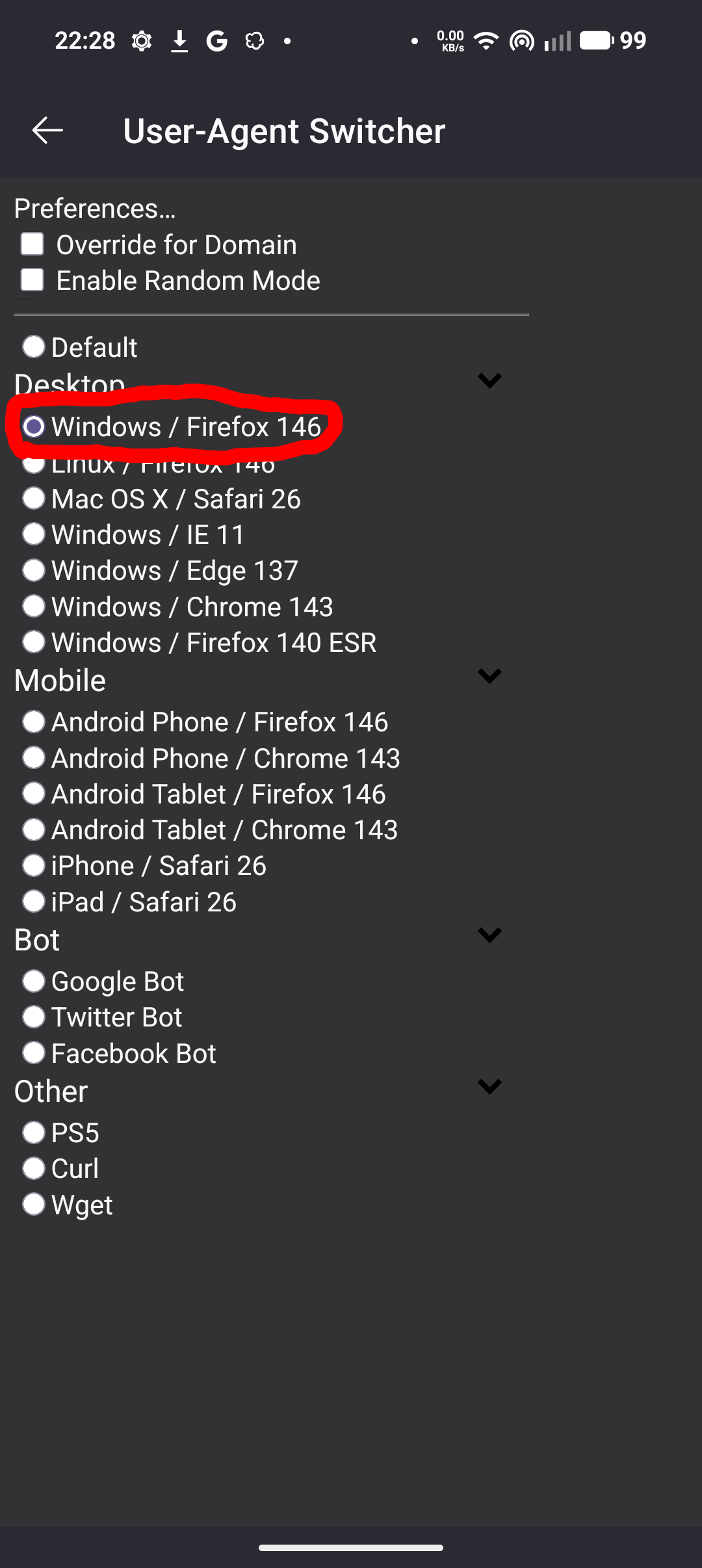
This one's harder, but you need the steam installer. Enable Windows as a User Agent as shown, after clicking on the 3 dots in Firefox:
Once you got it, exit out of the menu and look up Steam, then the process is fairly straightforward:
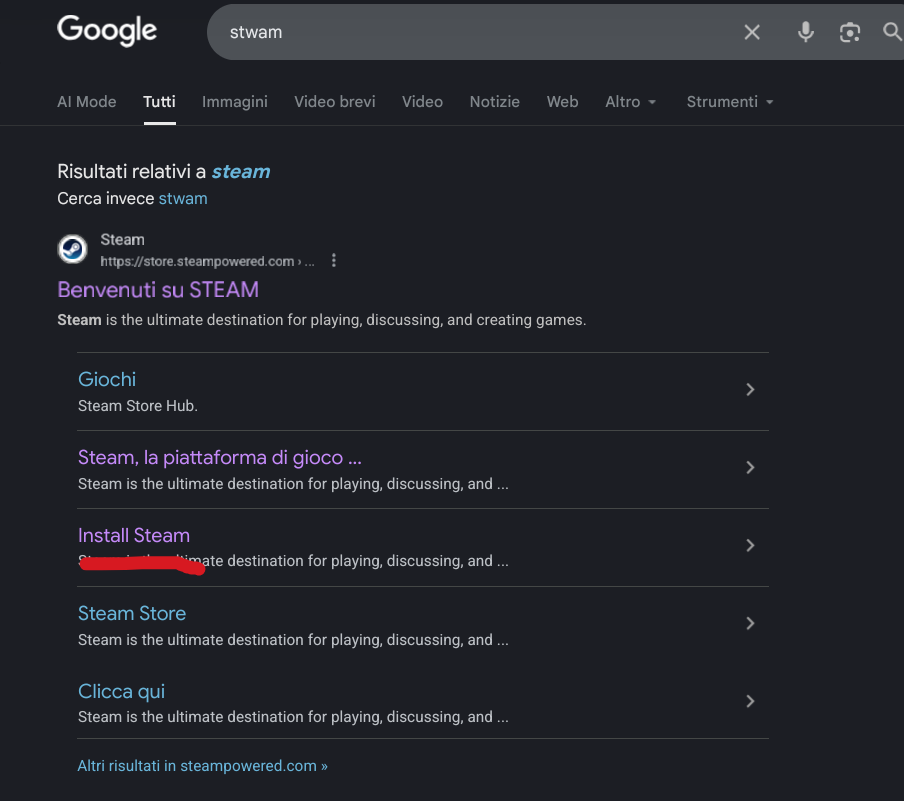
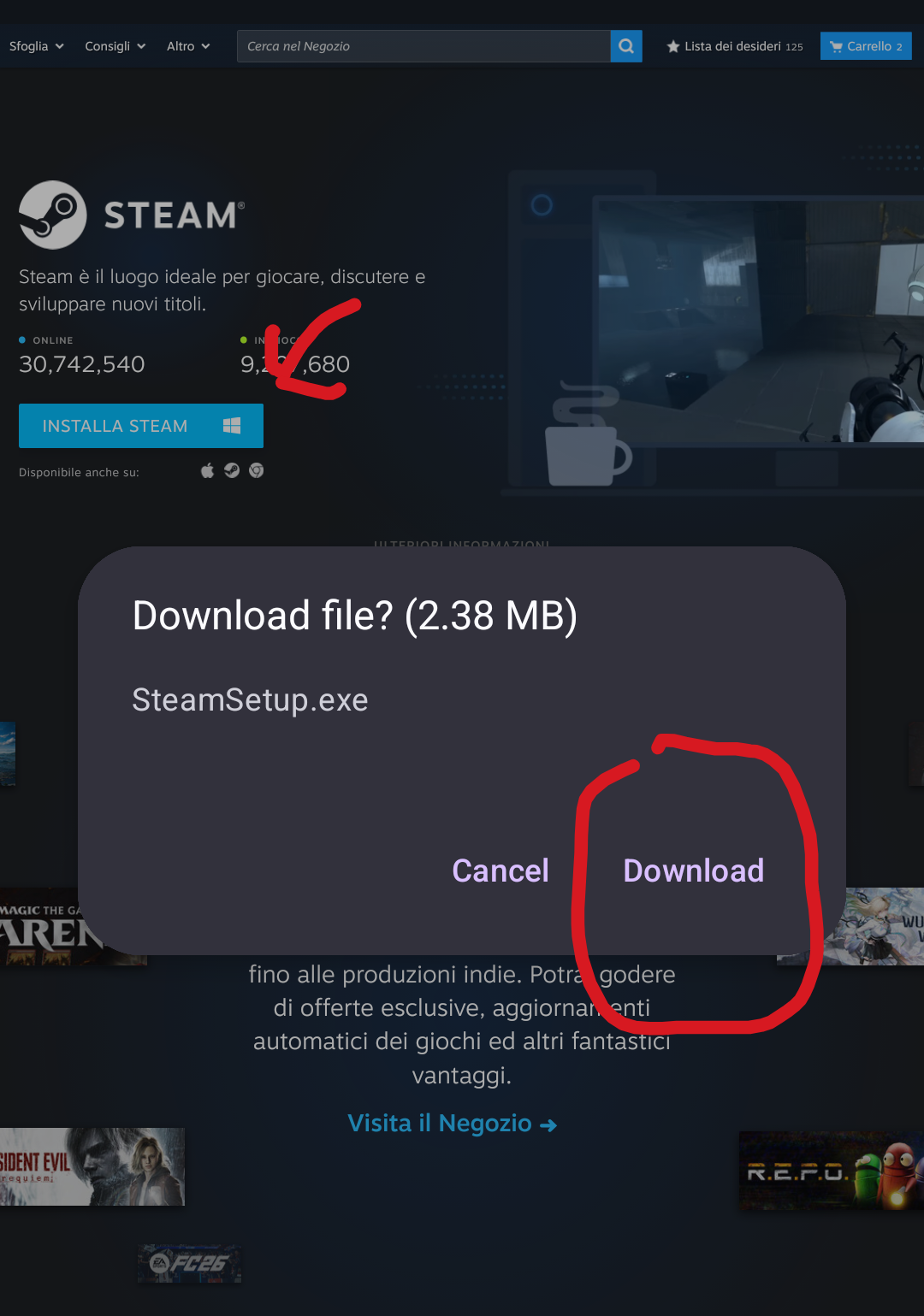
Now open your file manager and make a folder. Every pic of file manager stuff will be taken in Zarchiver.
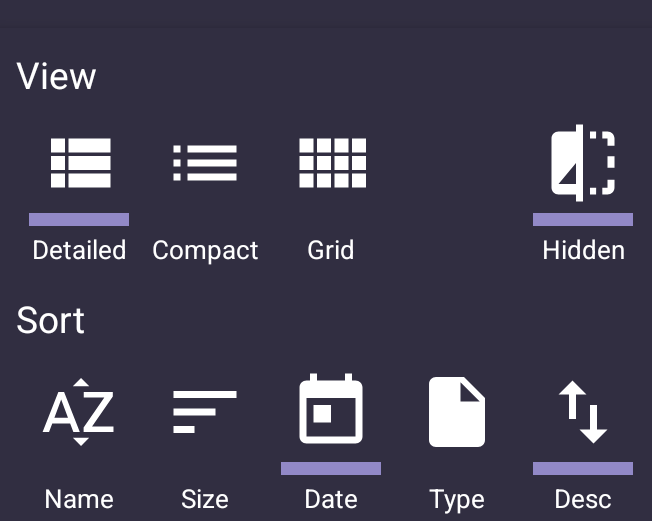
I recommend using this sorting mode (accessed in Zarchiver with the 3 horiz lines)
Let's make the folder
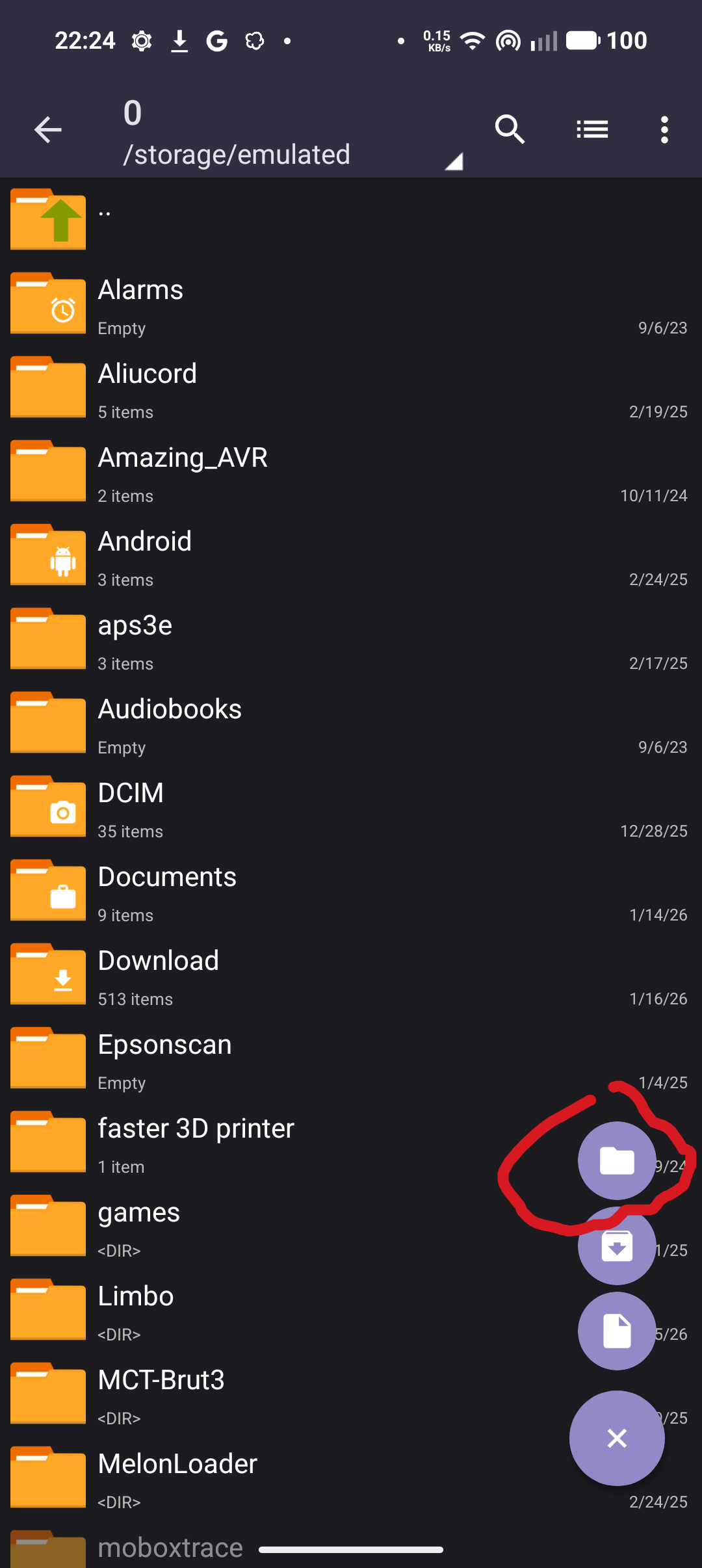
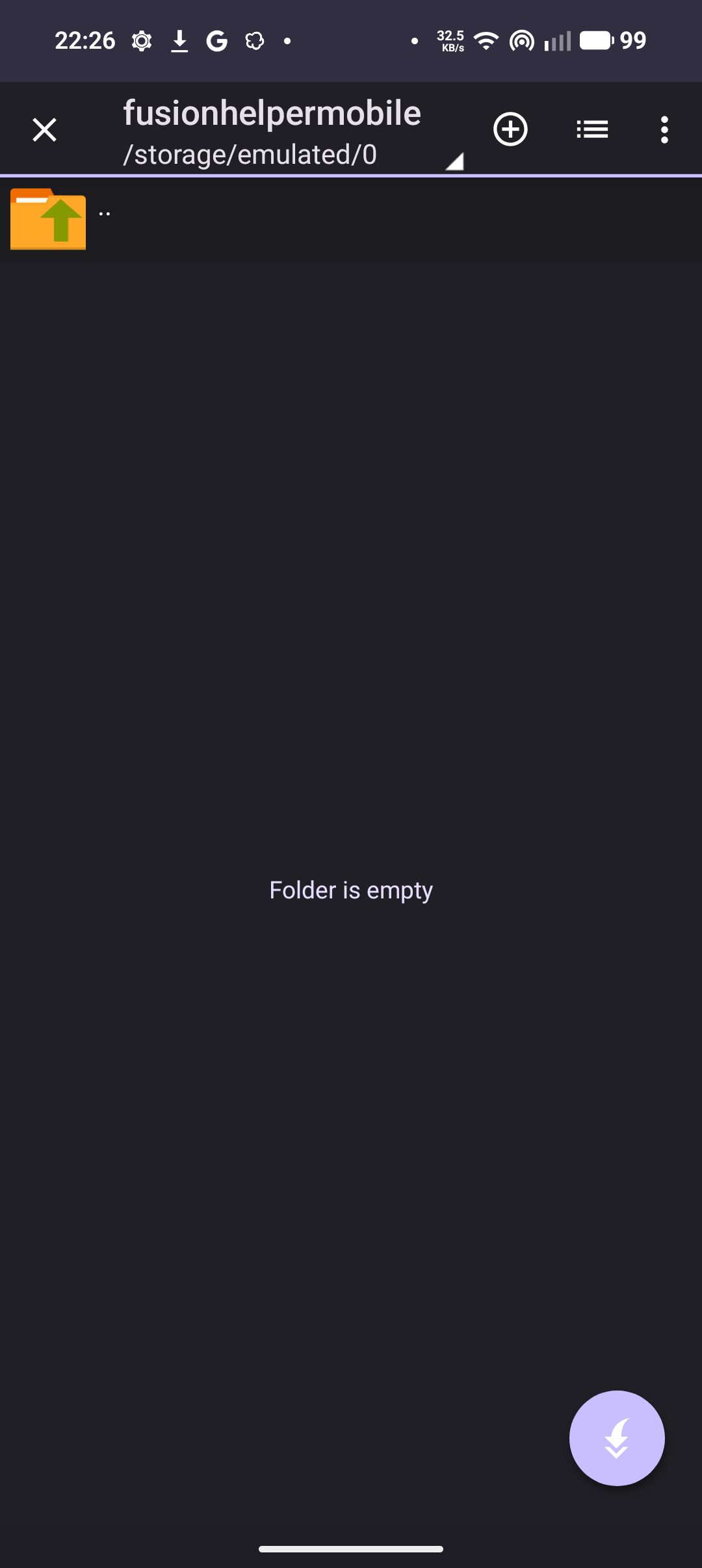
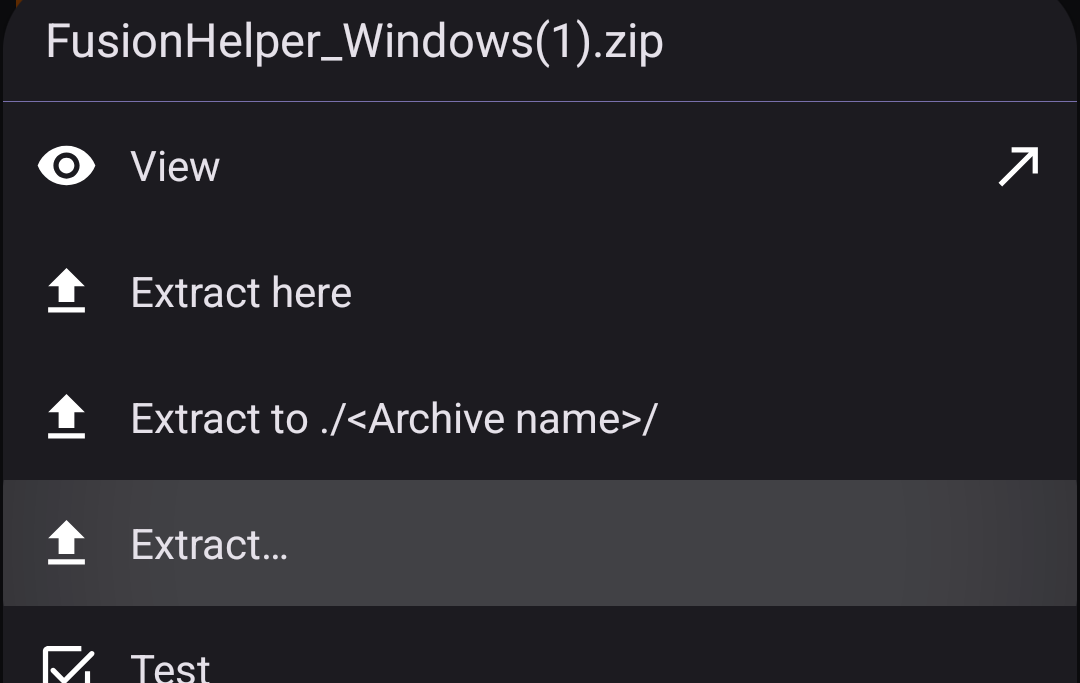
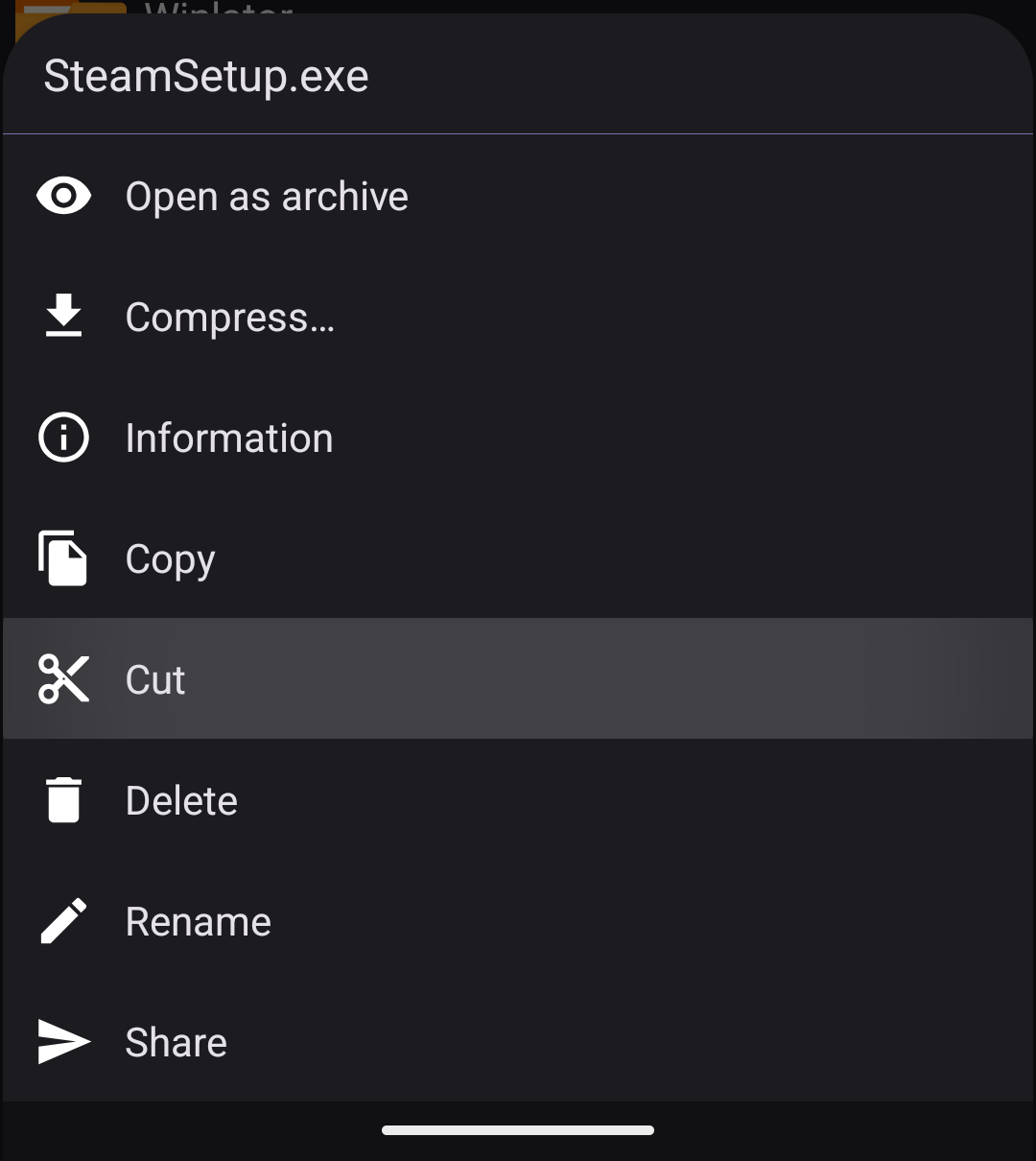
Now we'll have to properly move the files into it. In Zarchiver you can extract the zip and cut and paste the exe by long pressing them, moving to the destination, then pressing the highlighted button at the bottom.
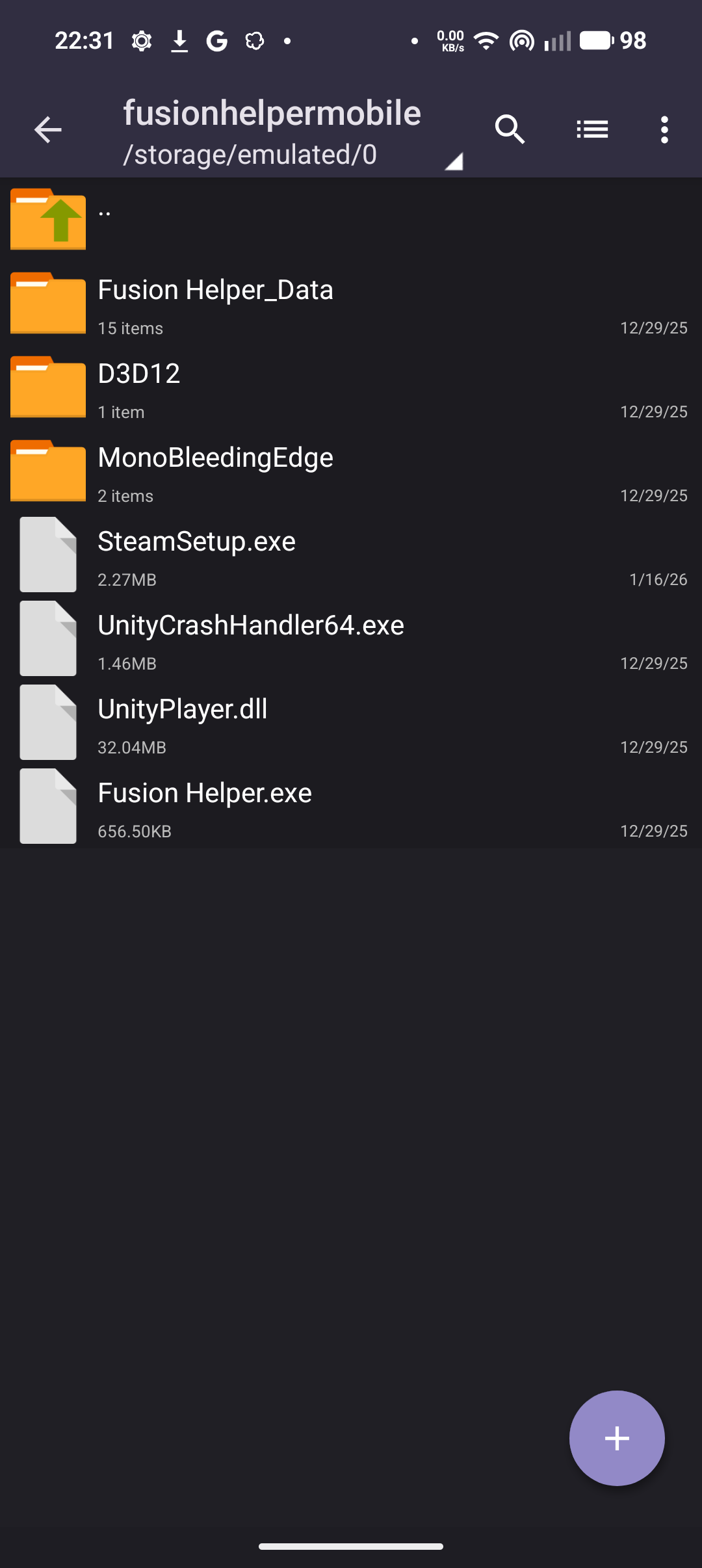
Regardless of your approach, the folder has to look like this in the end.
Now, open Winlator and create a container, and set the settings as shown, you can name it however you like
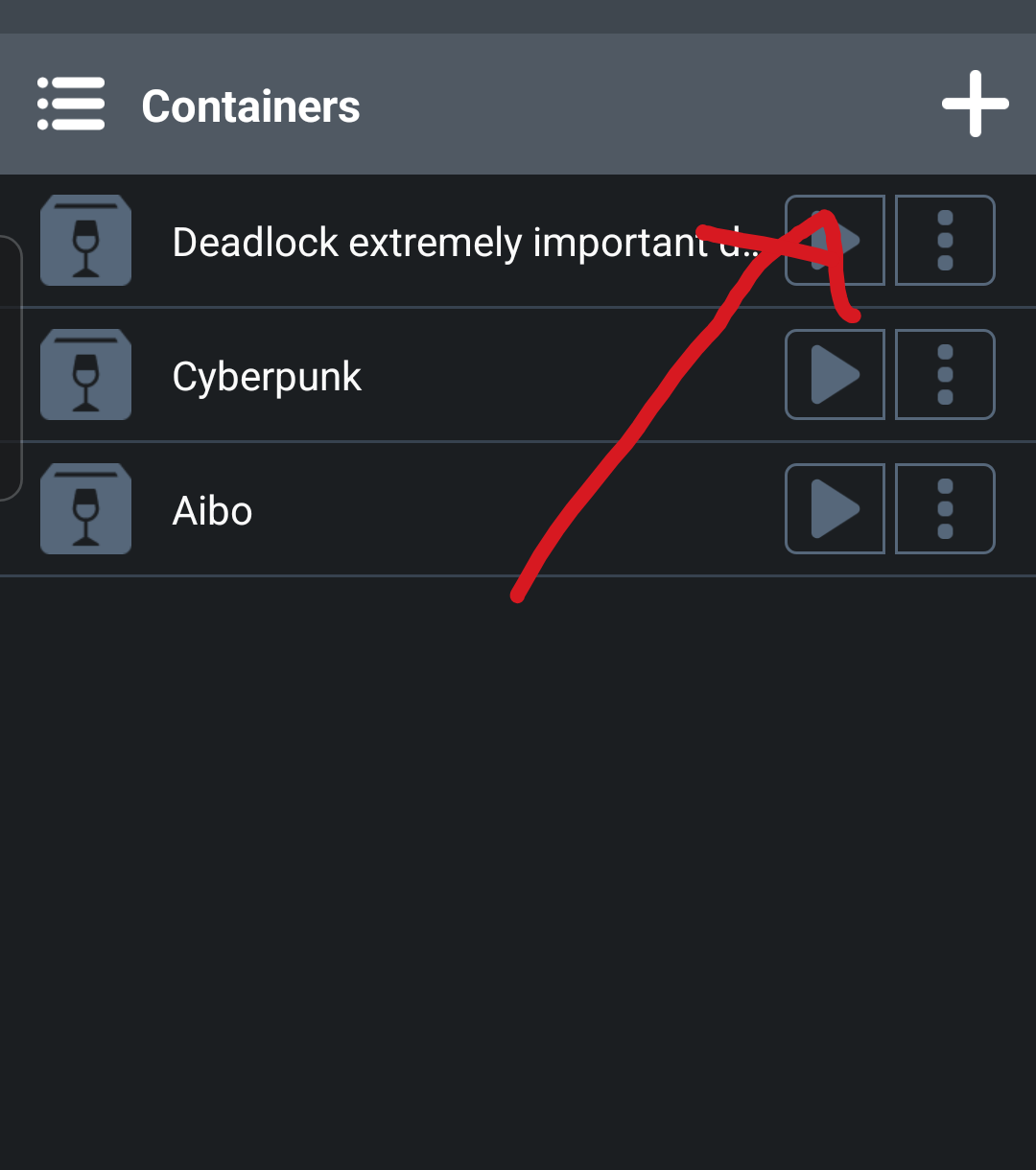
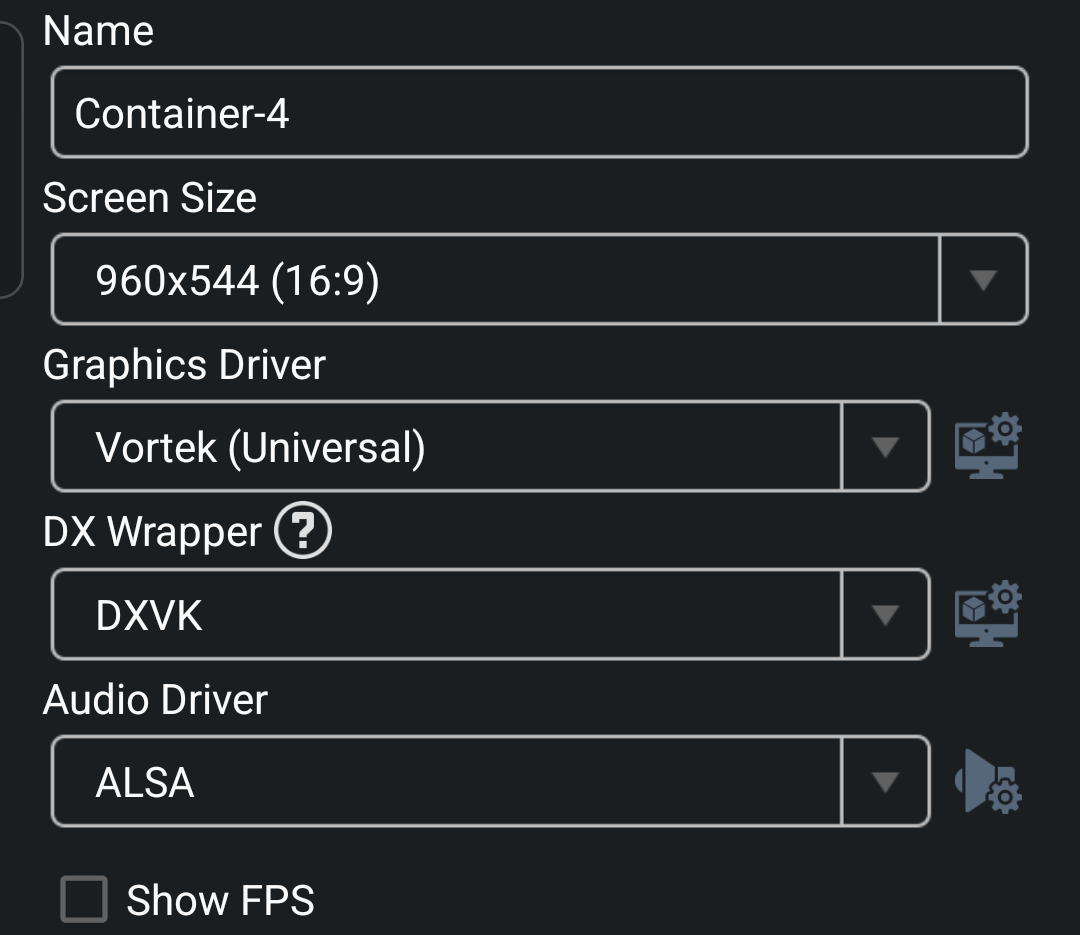
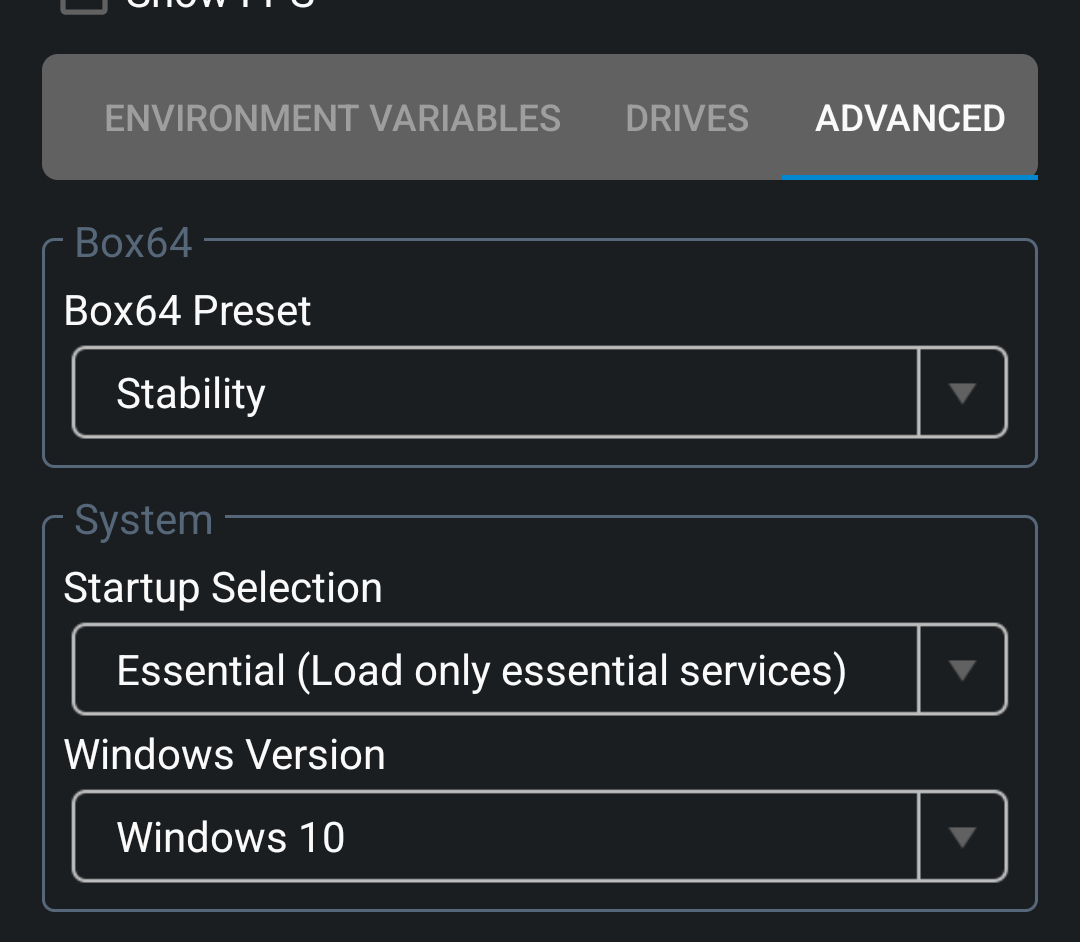
Now, you've gotta add the folder we prepared earlier as a drive
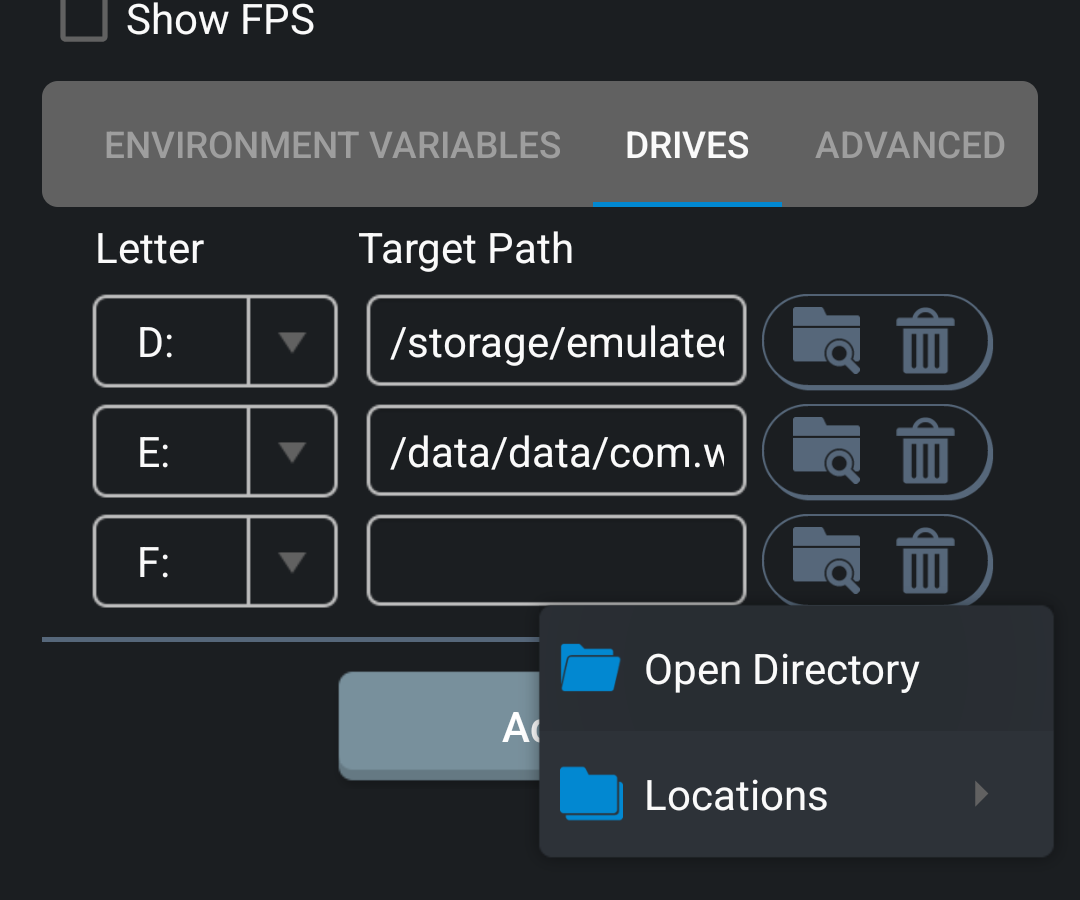
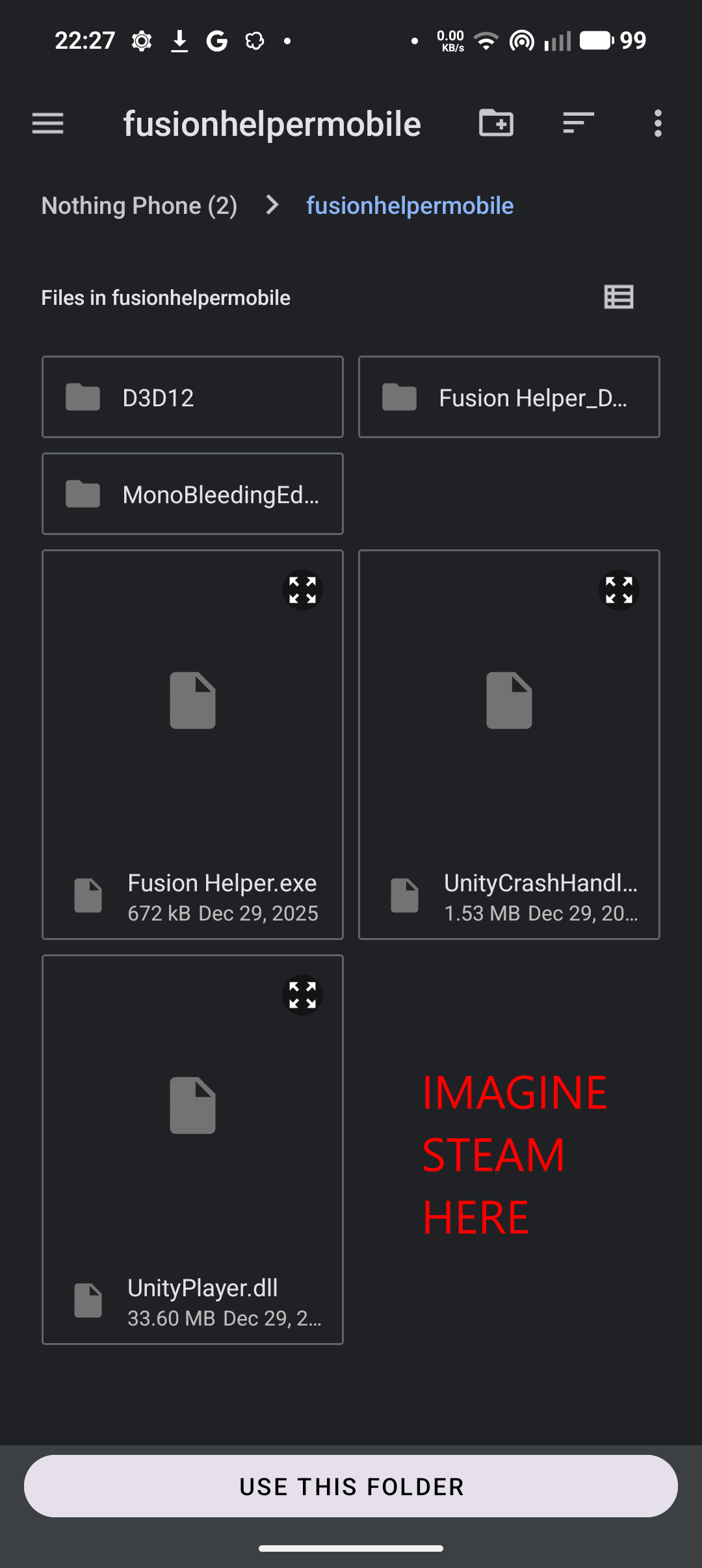
After opening the container, you should be able to select the drive-folder-thing and see both Steam and Fusion Helper
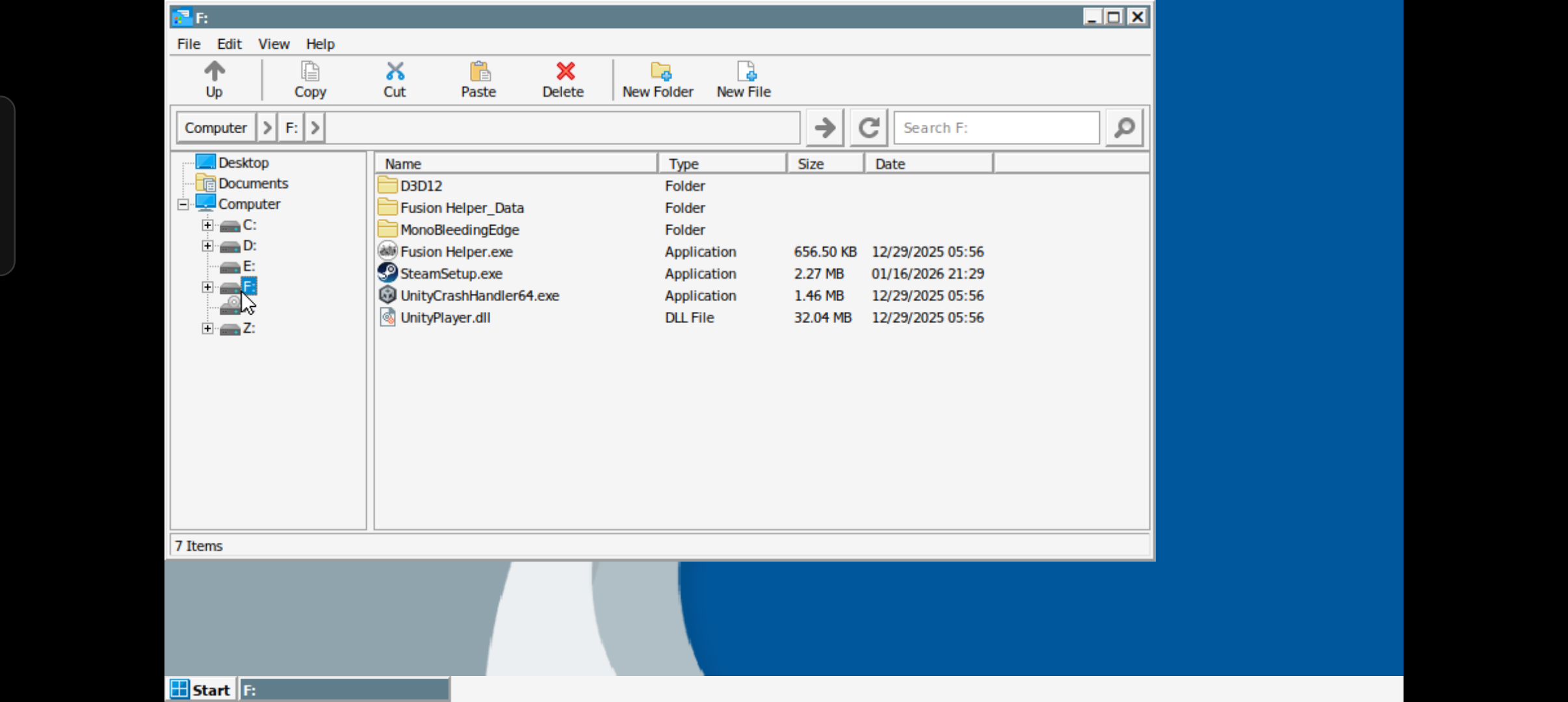
Double click Steam and follow the setup. If you see the login page, everything is good.
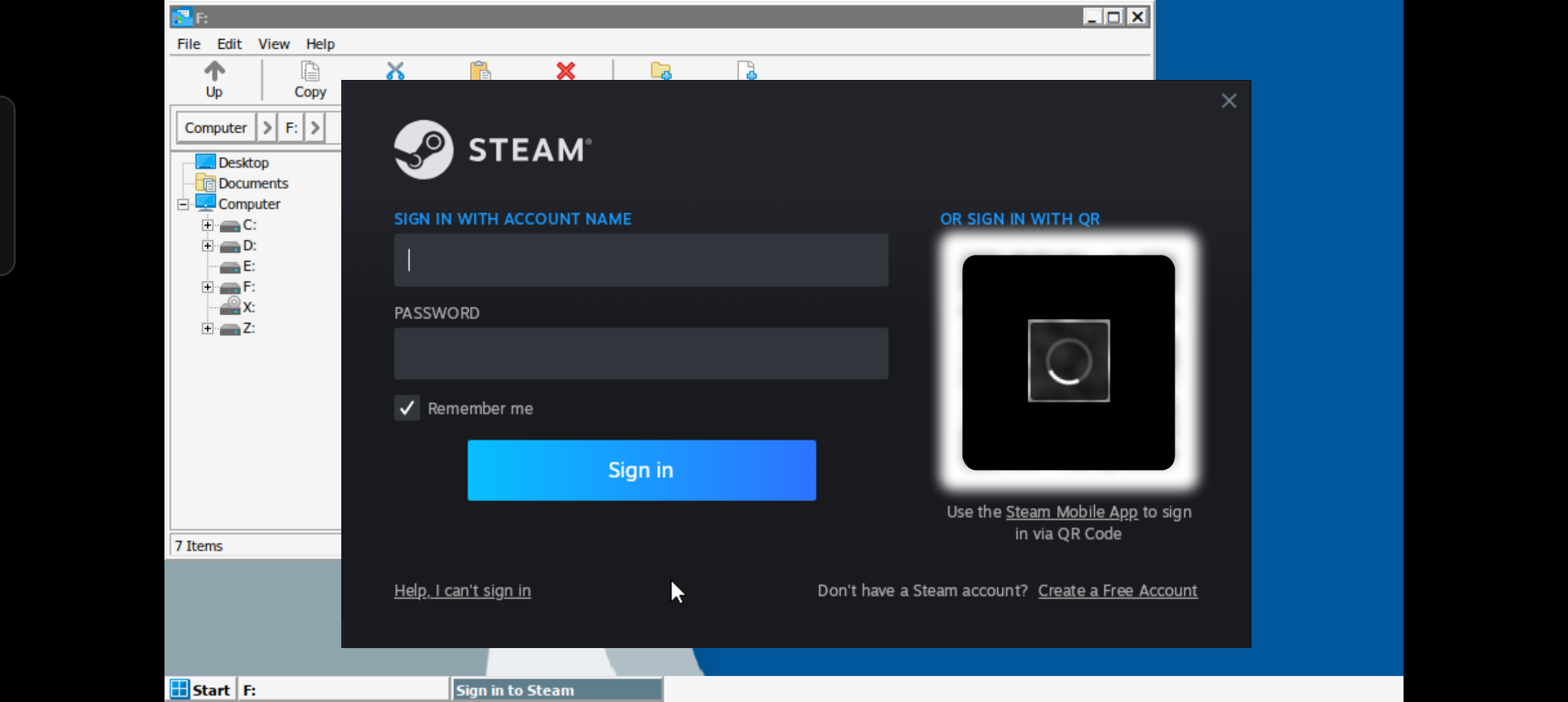
Now, login normally, without using the QR code. It should let you confirm in the app. Then, hover over "Steam" until it loads a dropdown menu and click settings.
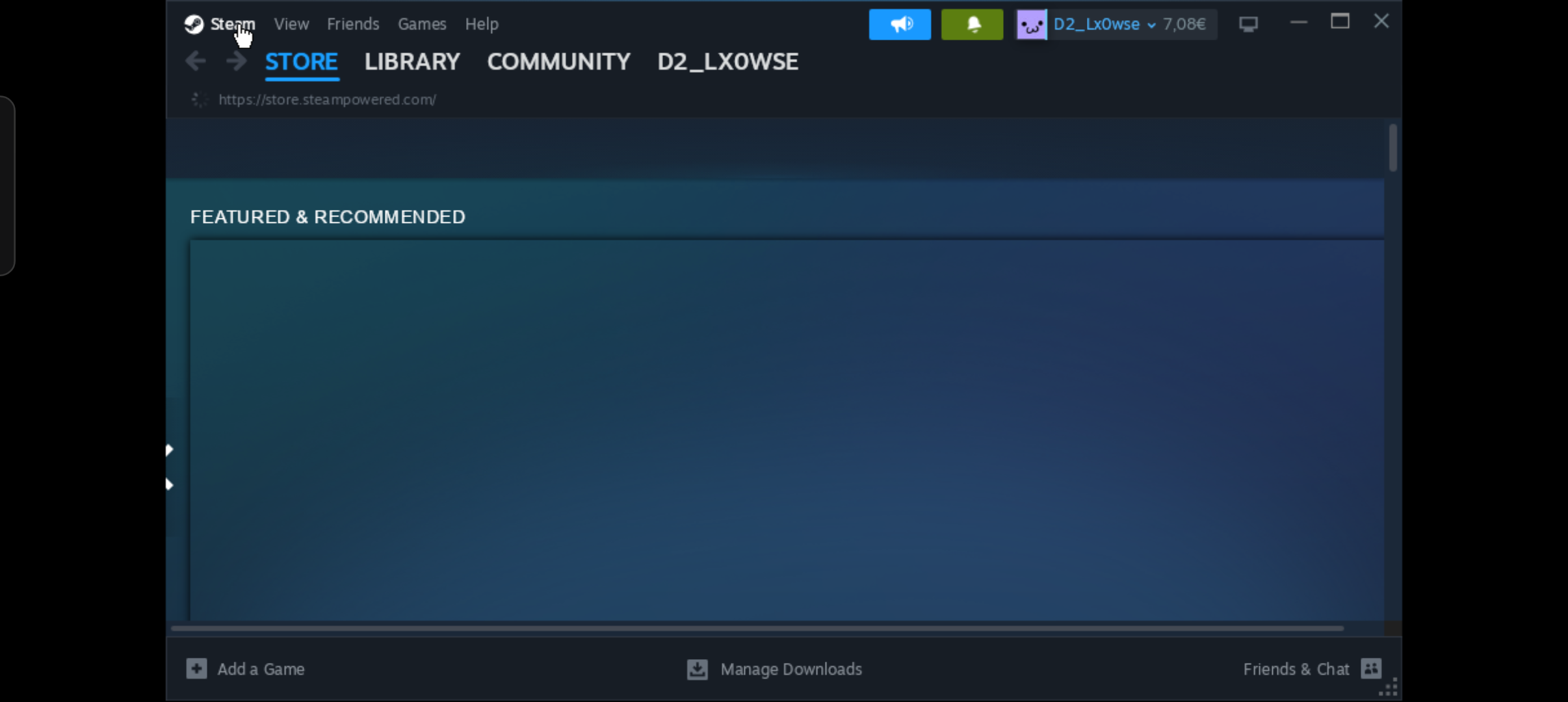
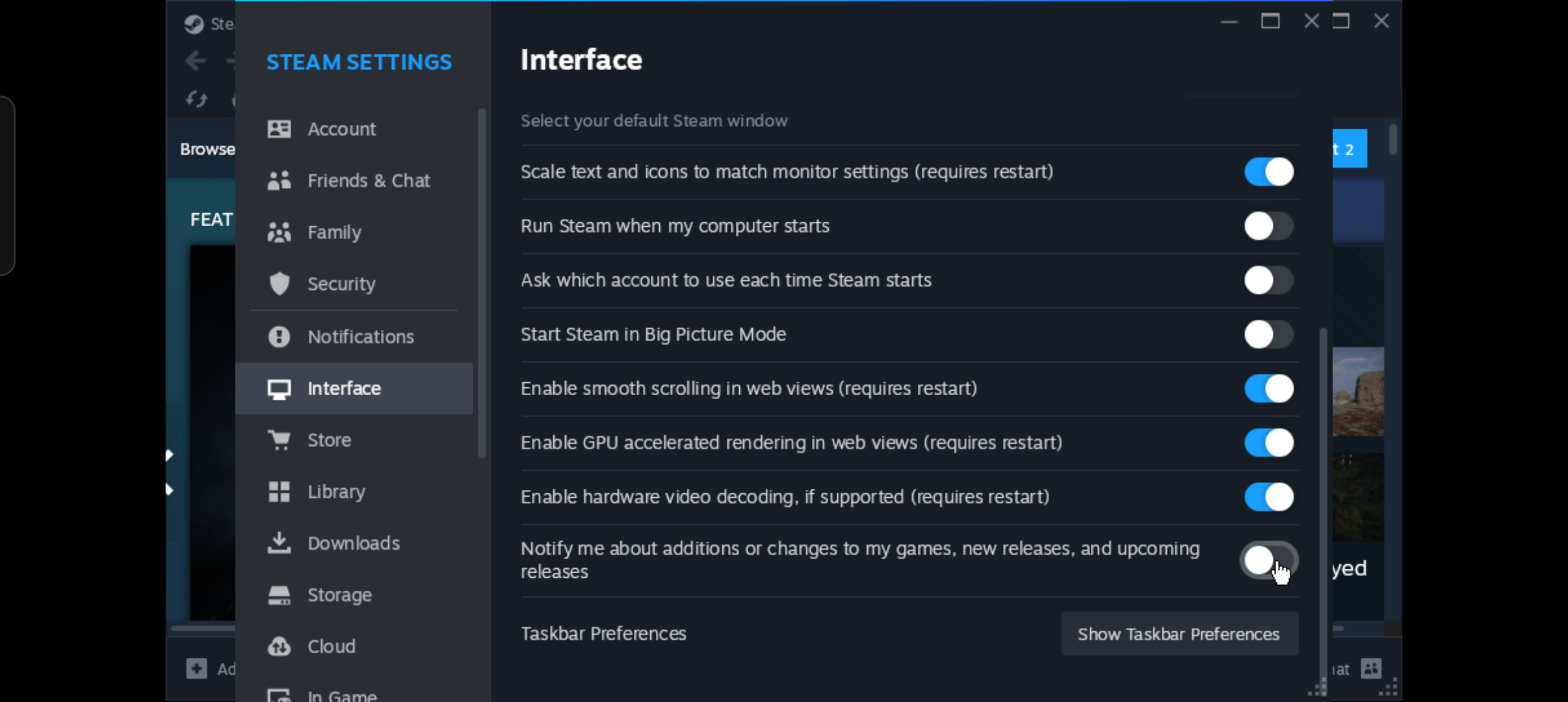
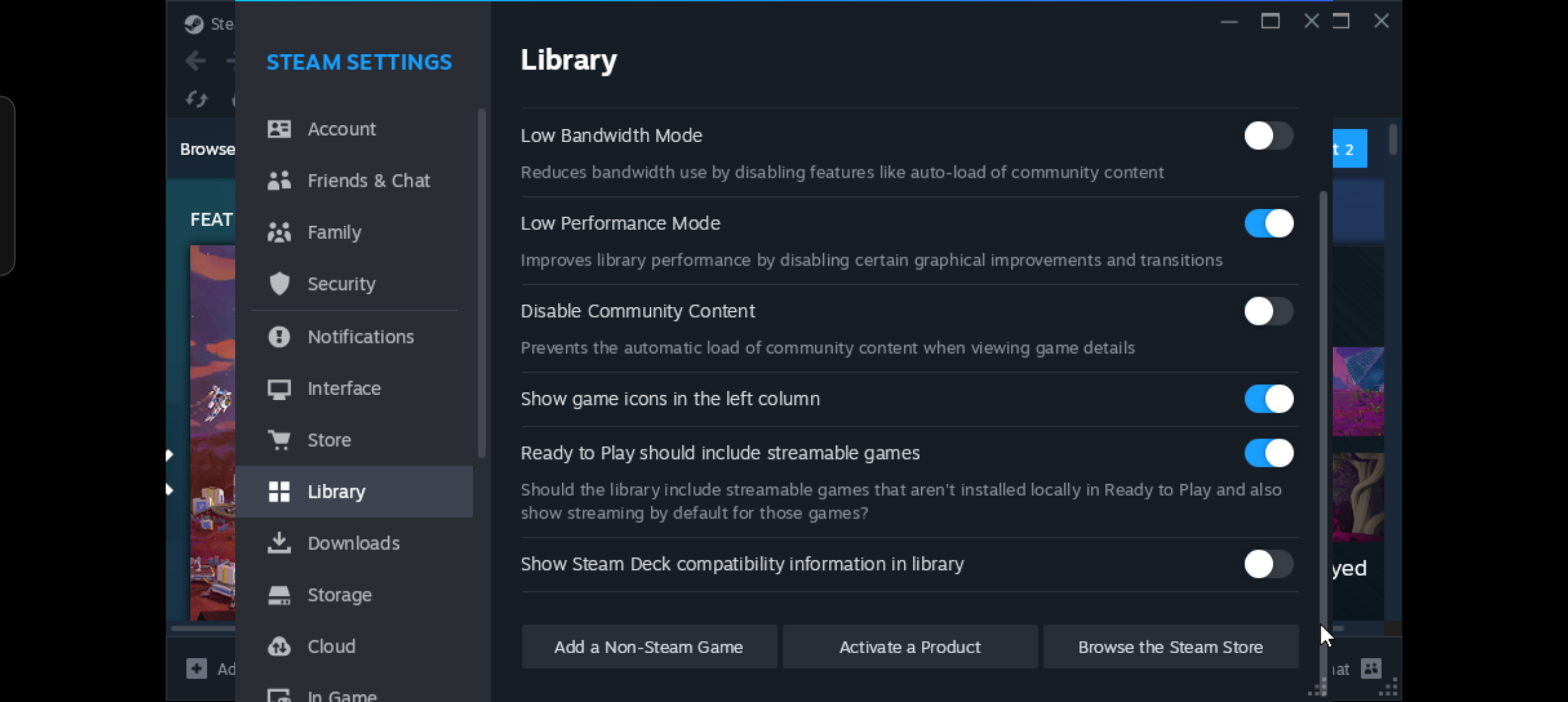
Since we need the best performance possible, select these settings.
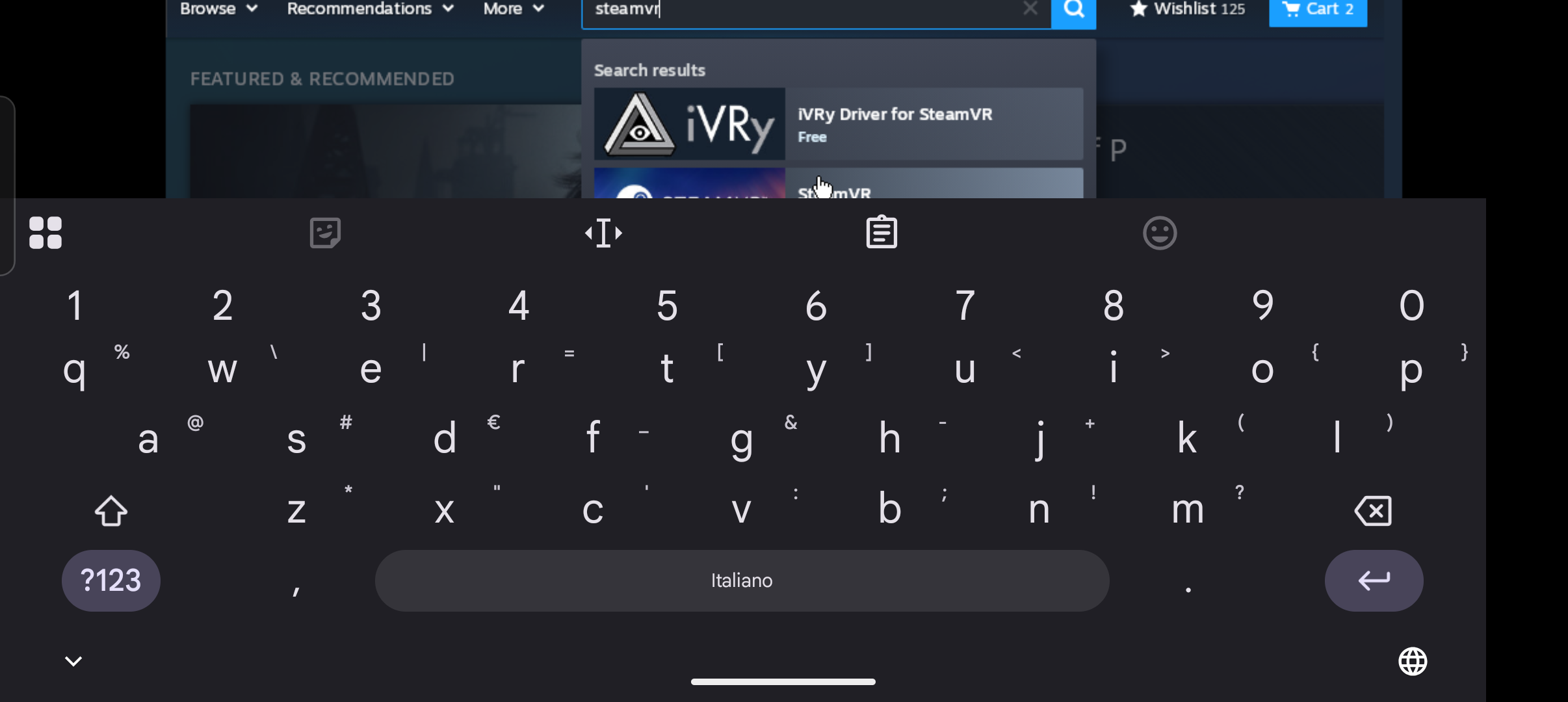
Now, we need to add SteamVR to the library. Use the search bar to look it up (keyboard can be summoned by pressing the back button/gesture on your phone)
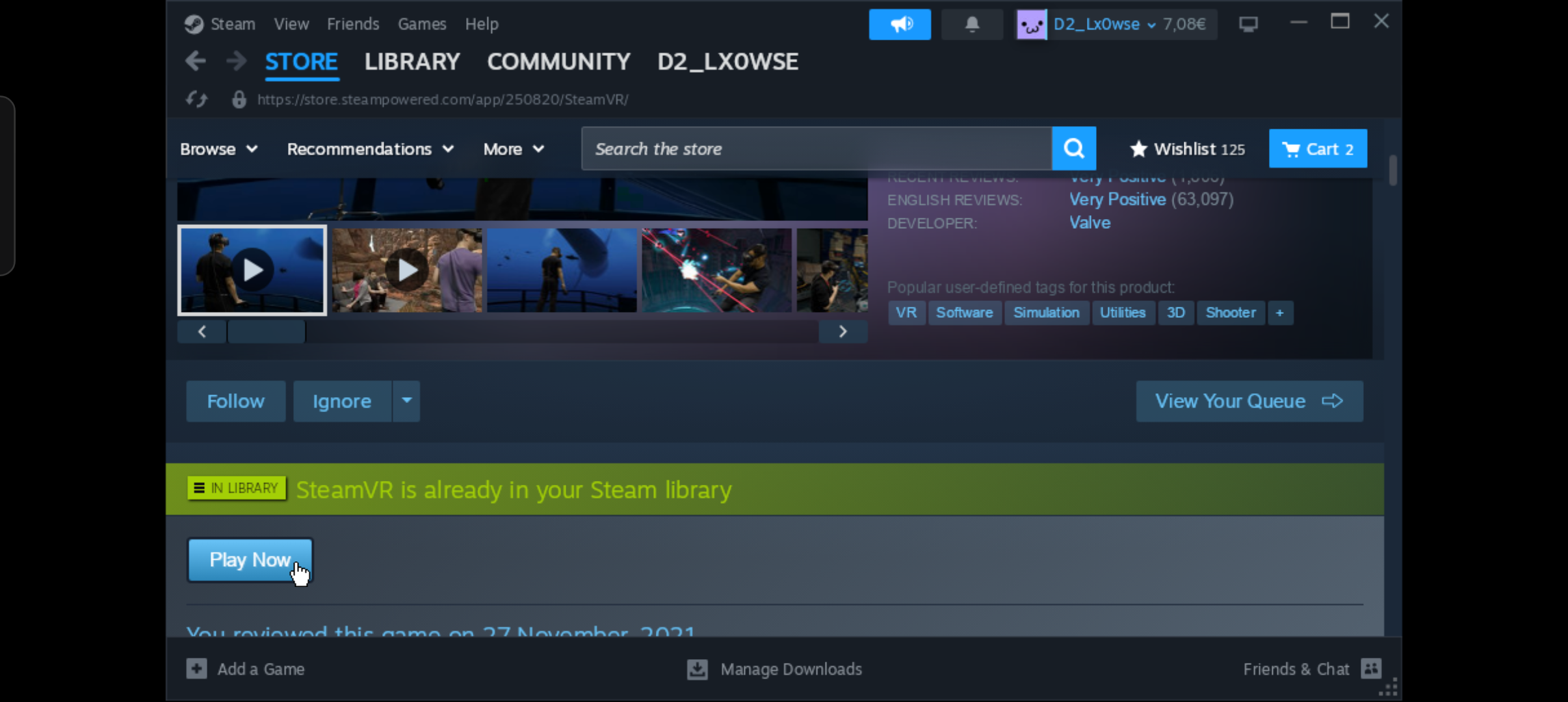
If you see the green text saying you already have steamvr in your library skip to small mode, otherwise, click the download/play now/install and confirm it
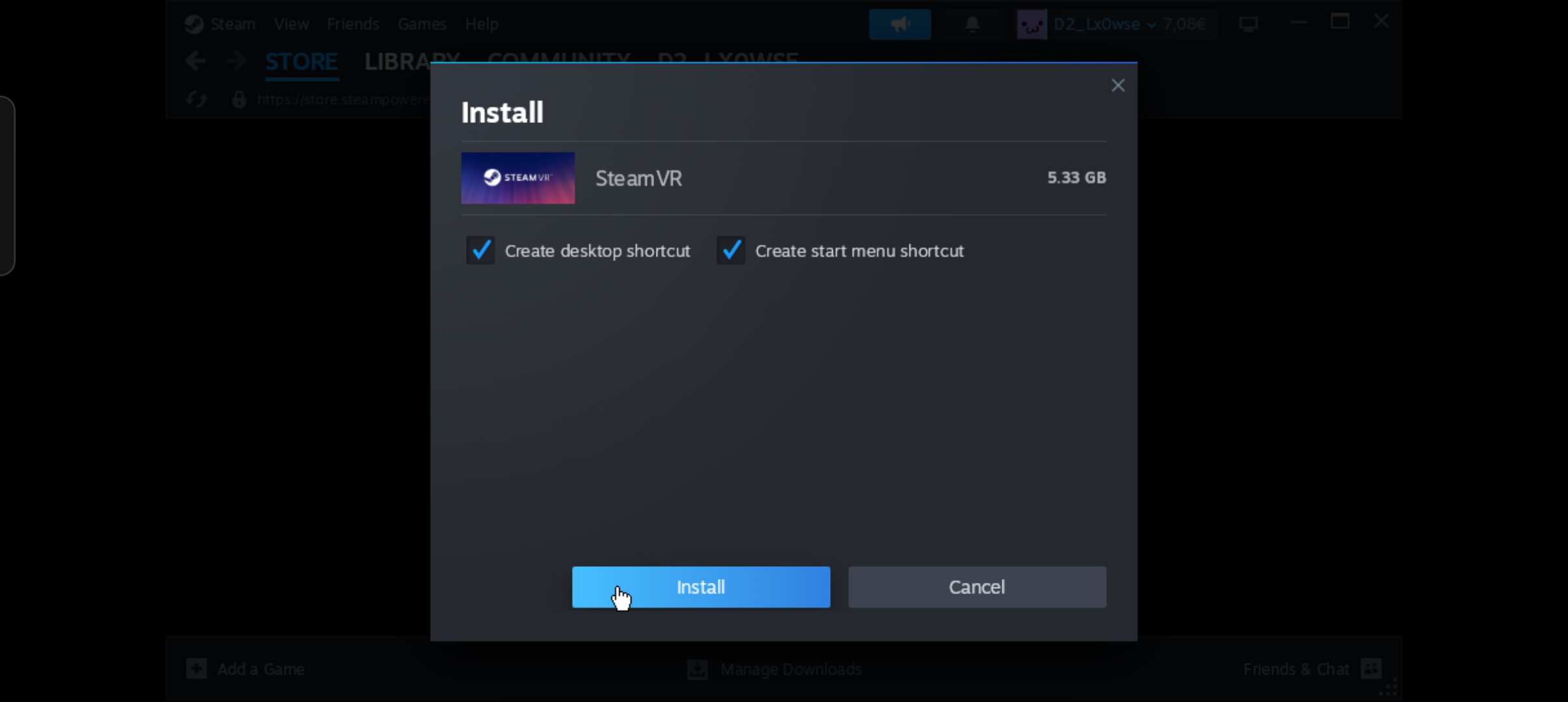
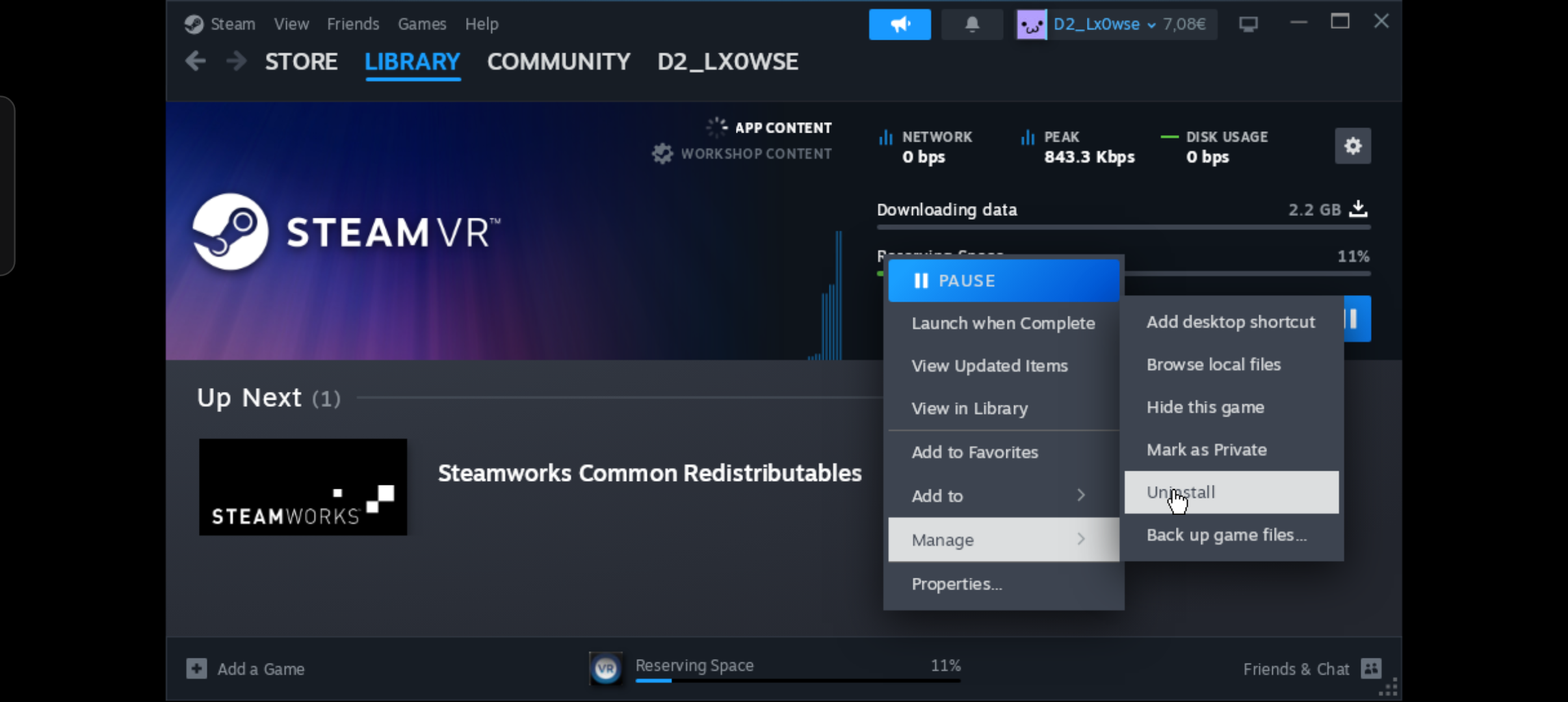
Now click the downloads button at the bottom, right click steamvr (tap with two fingers) and uninstall it.
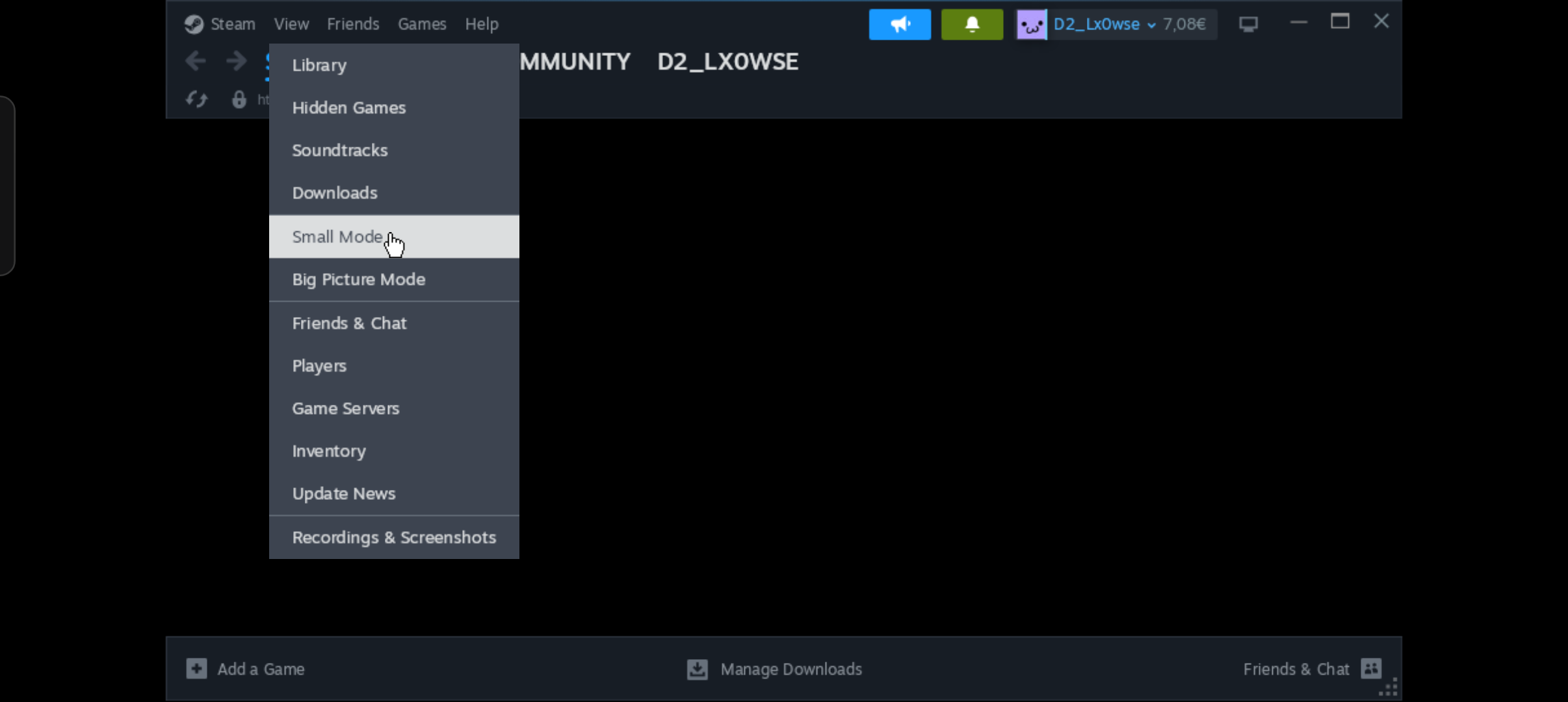
For best performance when running Fusion helper, set Steam to small mode within the view category
You don't have to do much on your quest. Just make sure fusion is up to date, (so no fusion networking plus, uninstall it) and that it's on the same wifi as the phone you're doing the rest of this tutorial on. If you don't have it, jump to this extra.
Now you've got everything done. Remember, Steam needs to be running for this to work, so launch that first, then you can run fusion helper. And lastly open the game on your quest and hit login, also don't turn off the phone screen
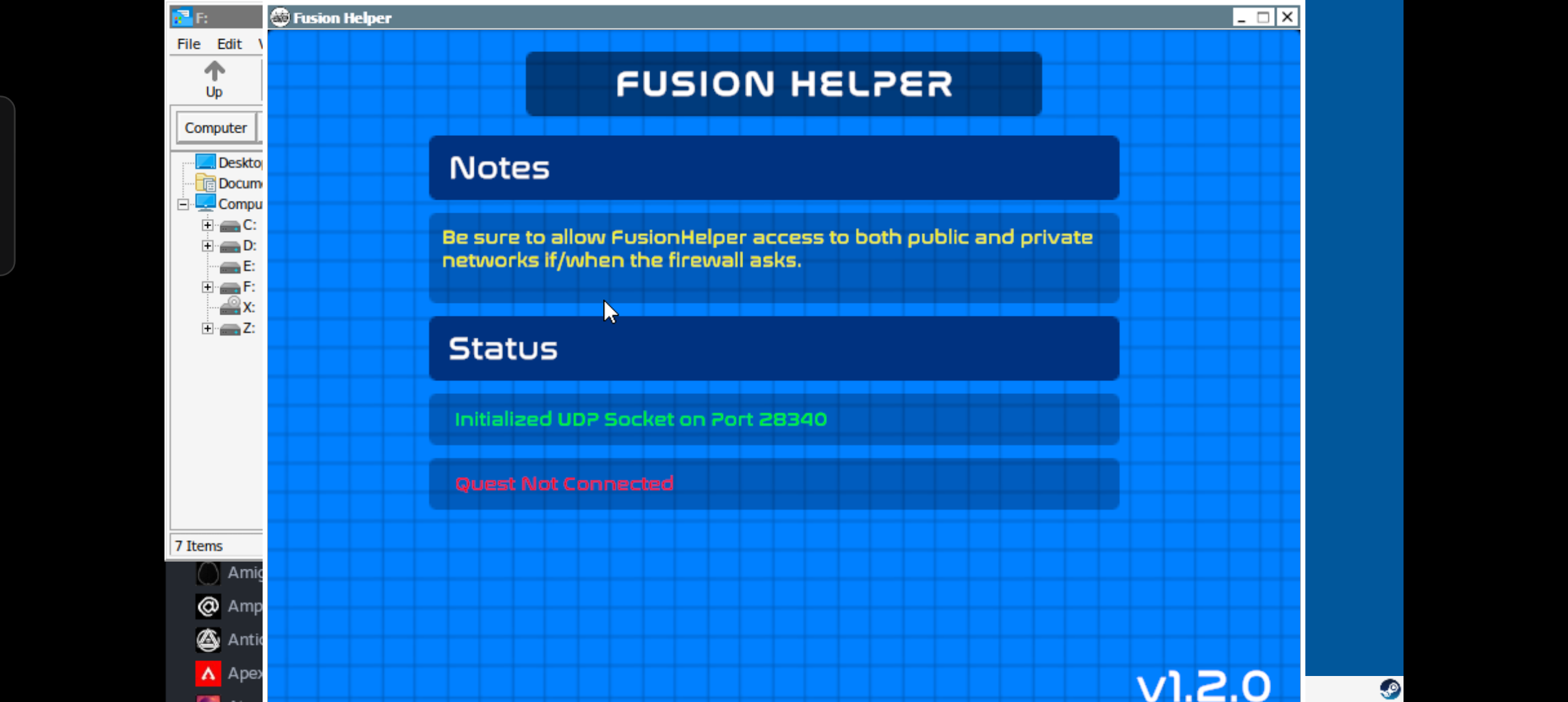
After all that it should work. If it crashes, head on over to this extra
I don't have an iPhone to test, so I won't elaborate too much. The most liely to work way is making a Debian VM by using UTM with Steam and Fusion Helper. You'll need to download them IN the VM, contrary to how you'd do it on Android. If you manage to do all that and record the ENTIRE process, dm me on discord @everythingonarm with the vidoe and I'll make a tutorial for it
This tutorial is just for the helper. You can follow this guide to get fusion on your quest. Remember, for this tutorial, don't get Networking plus, and get the latest fusion version